A smart home is most useful when everyday devices work together. Tuya-powered products can offer a practical way to bring compatible lights, plugs, sensors and other devices into the Tuya Smart or Smart Life app. Here are the benefits—and the checks that help you choose the right equipment.
What is the Tuya ecosystem?
Tuya provides technology that manufacturers use to build connected products. Tuya Smart and Smart Life are apps used to control supported devices. Look for the app and compatibility details on each product listing: sharing a wireless protocol or carrying the Tuya name does not guarantee every device or feature will work together.
Why consider Tuya-powered devices?
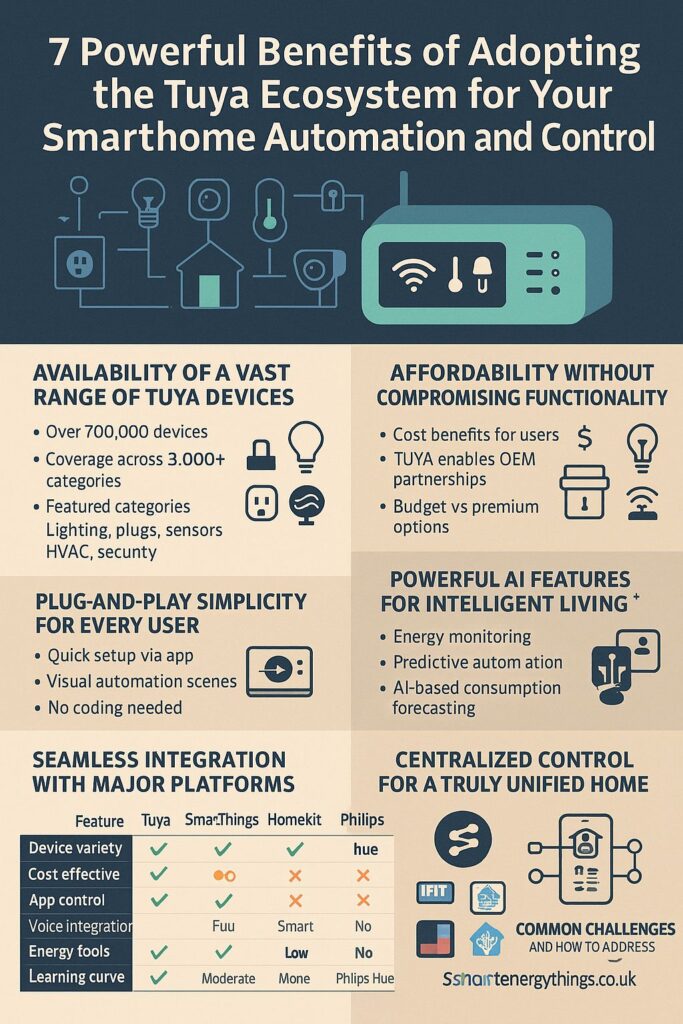
- A wide choice of products. Build around your needs with compatible lighting, smart plugs, sensors, thermostats and more.
- A manageable starting point. Start with one useful device and expand as you learn. Compare the total cost, including any required gateway or subscription.
- Convenient app control. Organise supported devices by room, check their status and run scenes from one app.
- Useful routines. Schedule lights or create sensor-triggered actions where the devices support them. Test each routine before relying on it.
- Better visibility of energy use. Products with energy metering can show consumption and help you identify waste. Ordinary smart plugs do not necessarily measure energy, and savings depend on how you use them.
Choose the right connection
Wi-Fi products often connect directly to your router; many require a 2.4 GHz network during setup. Zigbee products need a compatible gateway. Bluetooth products may need a gateway for remote access. Check the model’s instructions, gateway compatibility and coverage requirements before ordering.
Check voice assistants and other platforms
Alexa and Google Home support varies by product and feature. Siri Shortcuts support is different from native Apple Home compatibility. If you want Apple Home or Matter, choose a product that explicitly lists the required support; existing Tuya devices do not automatically gain Matter compatibility.
Home Assistant has an official Tuya integration, but it uses the cloud and may not expose every function available in Smart Life. It is not an automatic route to offline control. Read the official Home Assistant Tuya documentation before planning an integration.
Understand offline operation and privacy
Remote control and some automations depend on internet access and cloud services. Some gateways support local scenes, but offline behaviour depends on the gateway, devices and routine. Confirm those capabilities and test them with the internet disconnected. See Tuya’s gateway information for examples of local-scene capabilities.
Use a strong, unique account password, keep device firmware and apps updated, and review sharing permissions and privacy settings. A separate IoT network can help manage access, but network isolation may also affect discovery and setup. Follow your router and device instructions.
A simple way to get started
- Choose one goal, such as scheduling a lamp or measuring an appliance’s energy use.
- Check the supported app, wireless connection, gateway and voice-assistant requirements.
- For smart plugs, check the appliance load against the plug’s rating and manufacturer guidance.
- Set up the device, create one routine and test it before adding more equipment.
Tuya can be a flexible way to build a connected home when you choose compatible products and understand their limits. Explore Smart Energy Things for smart-home products and help choosing a suitable setup.